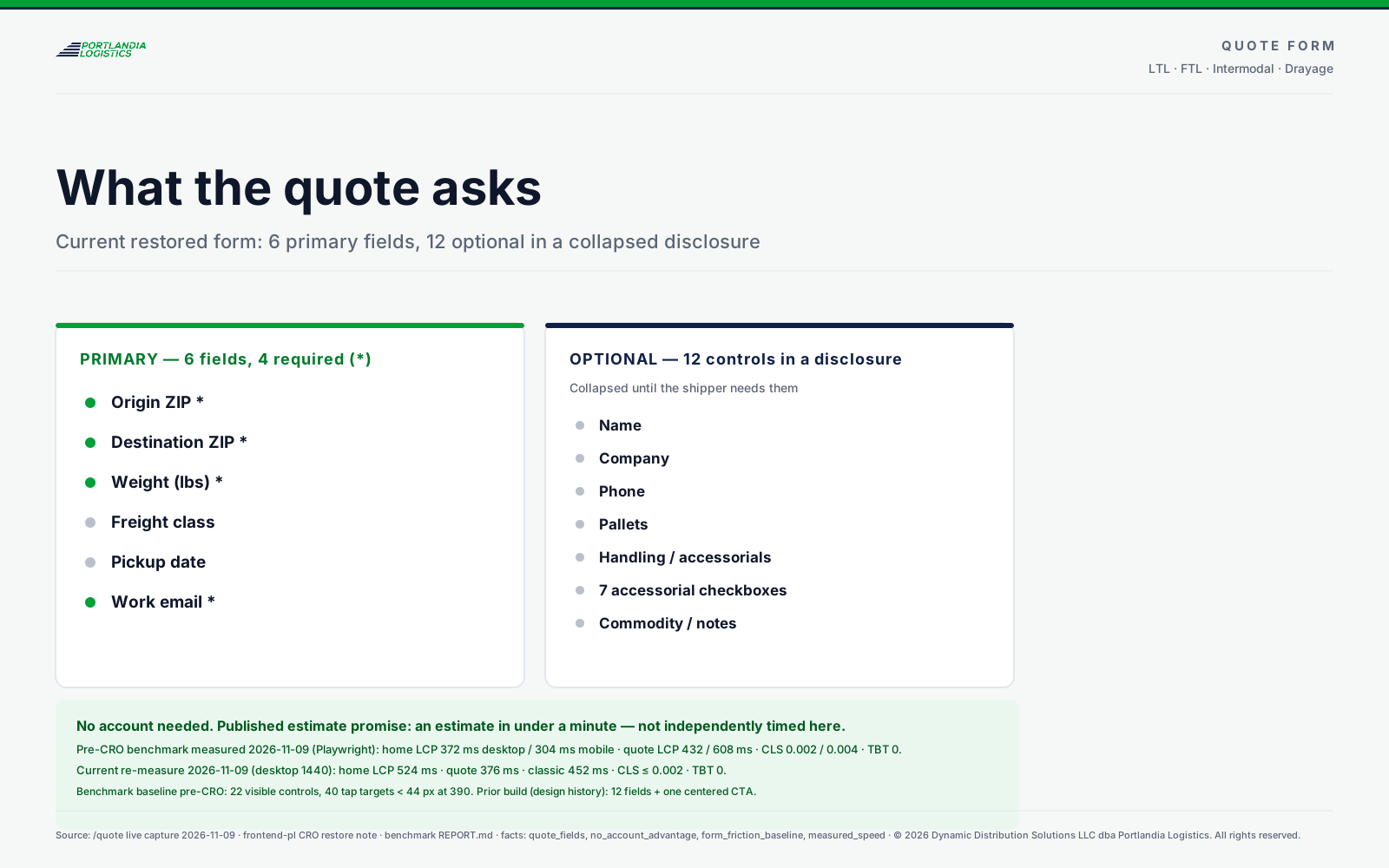
Origin, destination, weight and class are enough. See the mileage, transit time and range before you submit — then a dispatcher confirms the firm rate in writing.
No obligation · no card · answered the same business day
1 · Stored as a quoteYou get a quote number immediately.
2 · Dispatch notifiedThe load reaches the desk the moment you submit.
3 · Firm rate in writingHandling, pickup window and the rate confirmation follow.
What happens next
01
Estimate saved
Your inputs are stored with a quote number; the range and basis are yours to keep.
02
Dispatcher confirms
A named dispatcher checks the lane, carrier and handling, then issues a rate confirmation in writing.
03
Book, track, invoice
Status is token-based; POD and invoice attach to the load record when they exist.
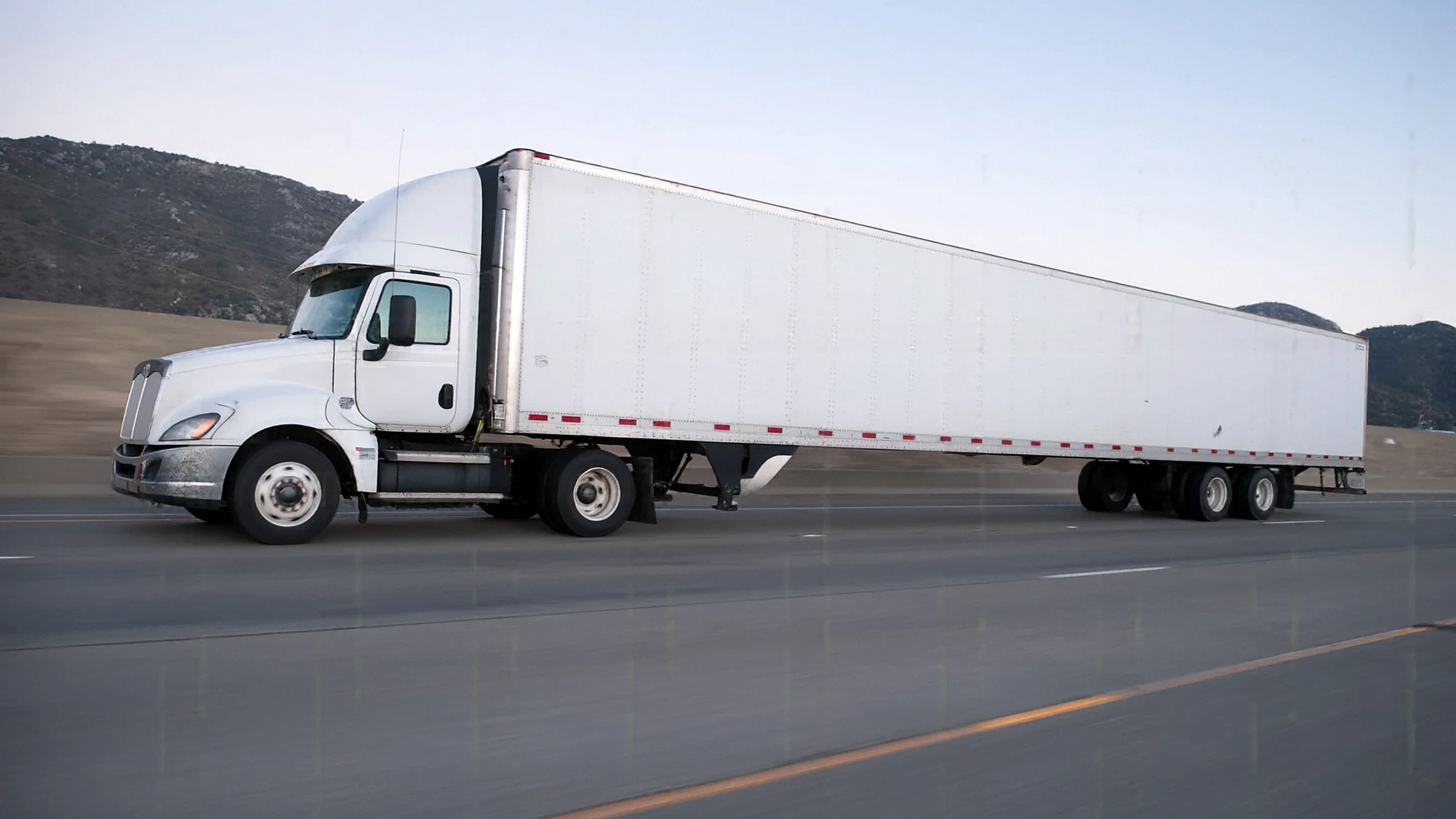
Quote trust visual Concept render — not an actual shipment, fleet or customer photograph.
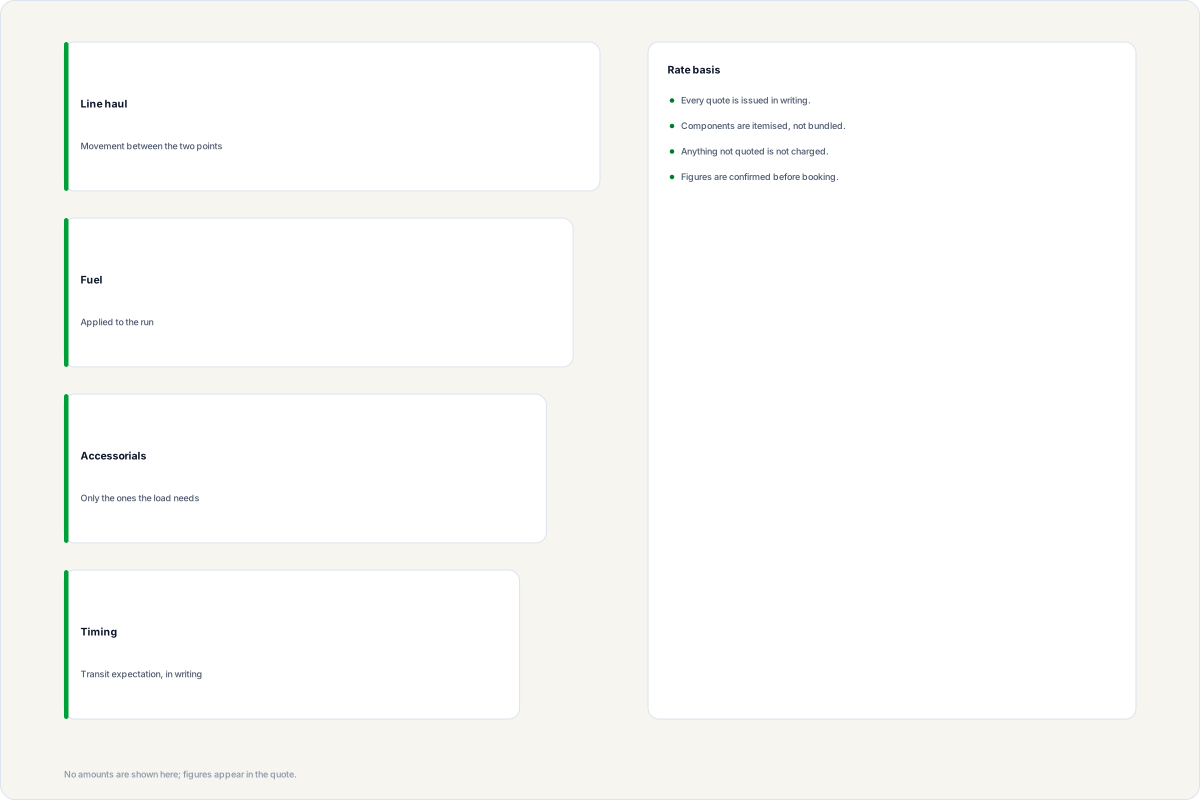
Estimates are planning ranges based on mileage, weight, class and declared handling. The firm rate appears on the rate confirmation; nothing is charged from this form.
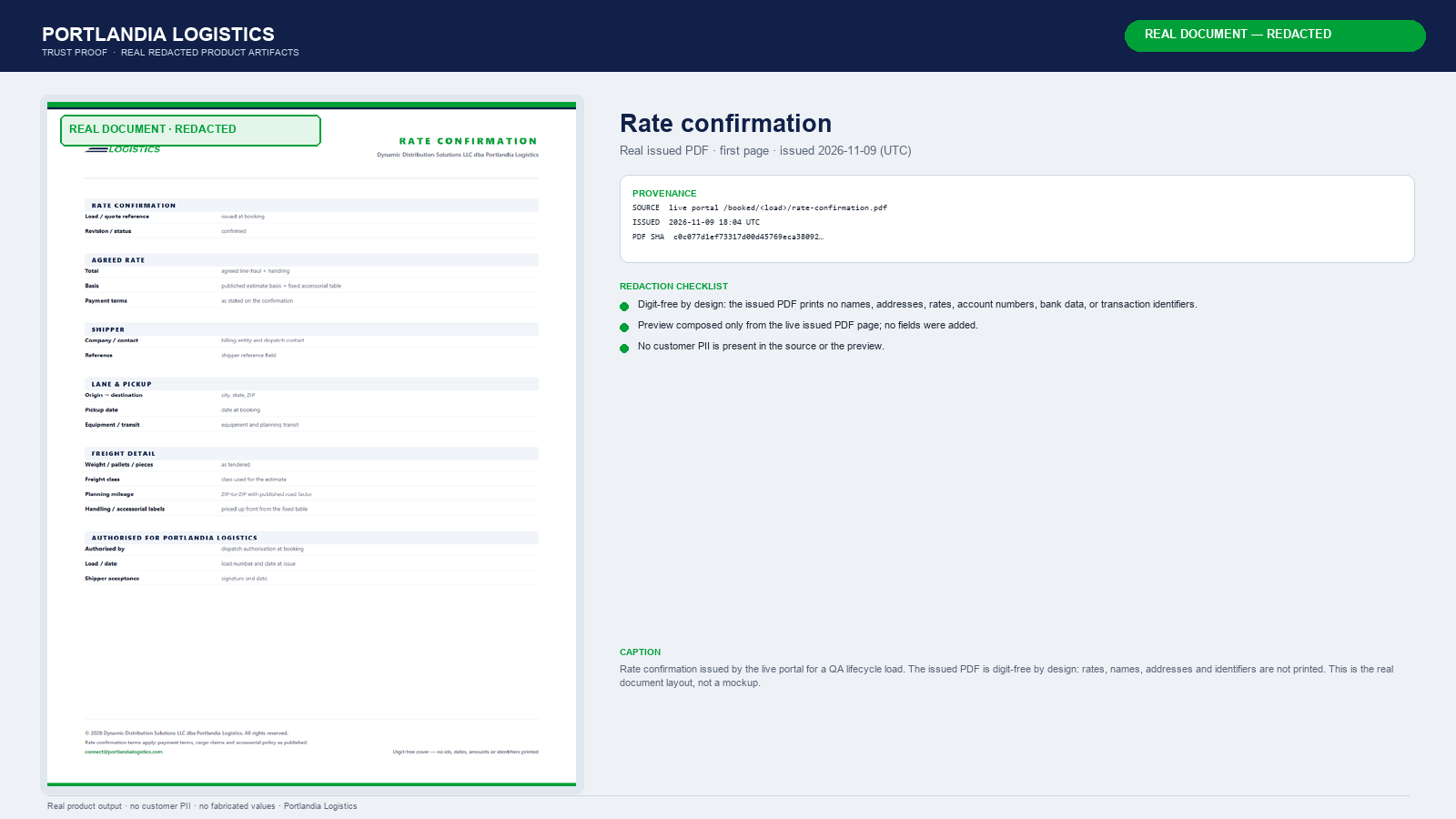
Three steps, one dispatch thread: send the lane, get a planning estimate, confirm the load. The firm rate follows in writing.Origin, destination, weight and class — four fields, no account. Add handling details only if you have them.The rate confirmation is the contract for a specific load: lane, pickup date, equipment and handling, planning mileage, agreed total and the dispatch authorisation block. Carrier/MC/DOT and COI appear on the BOL after dispatch assigns a carrier.
What the estimate includes Illustration — conceptual, not an actual shipment, fleet or customer.
The paperwork
Every load produces the same four documents.
Quote, rate confirmation, proof of delivery, invoice and the screens behind them — one load ID, one thread. These are samples from a system run with identifiers, contacts and amounts redacted. No customer record is public.
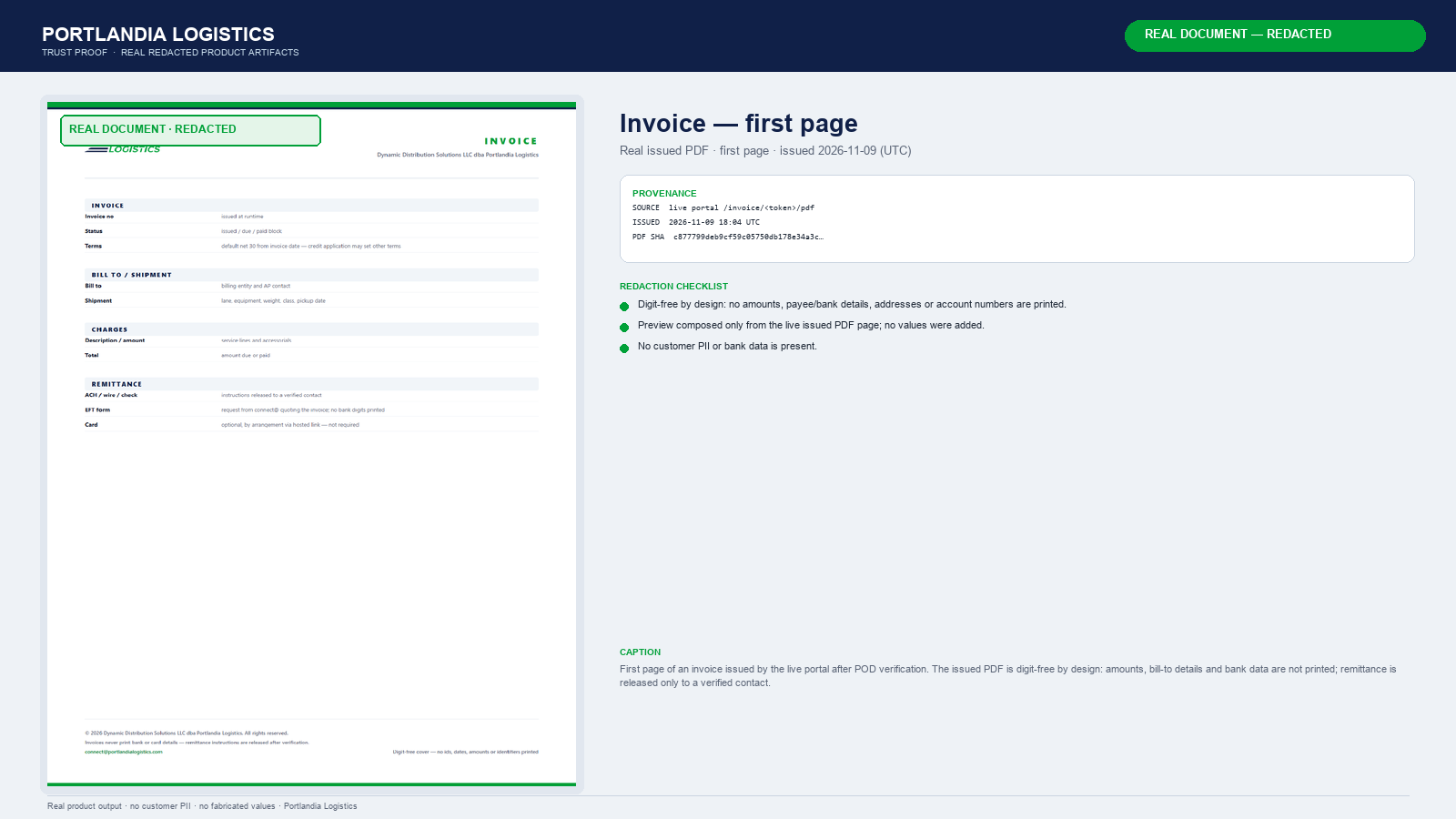
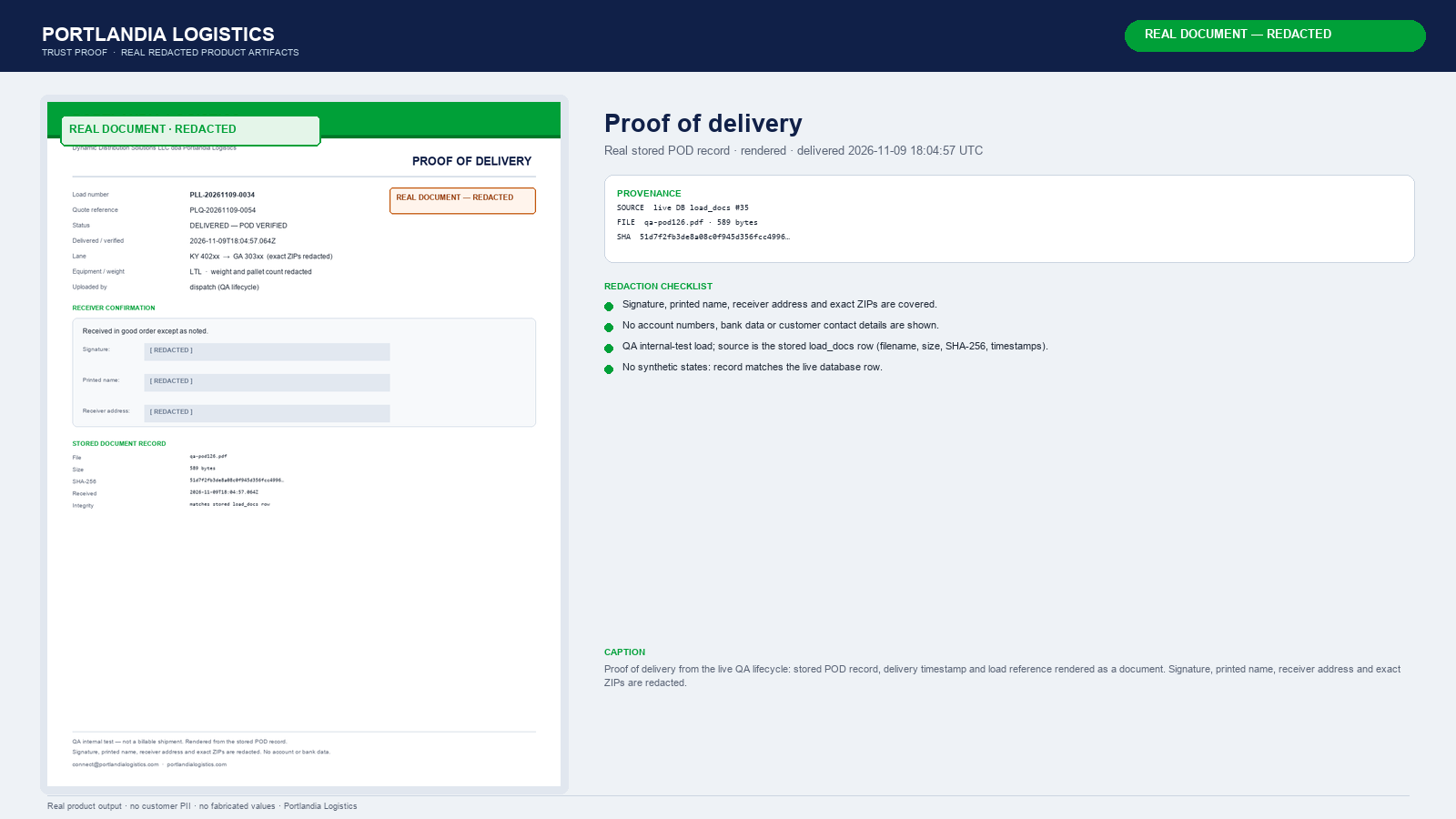
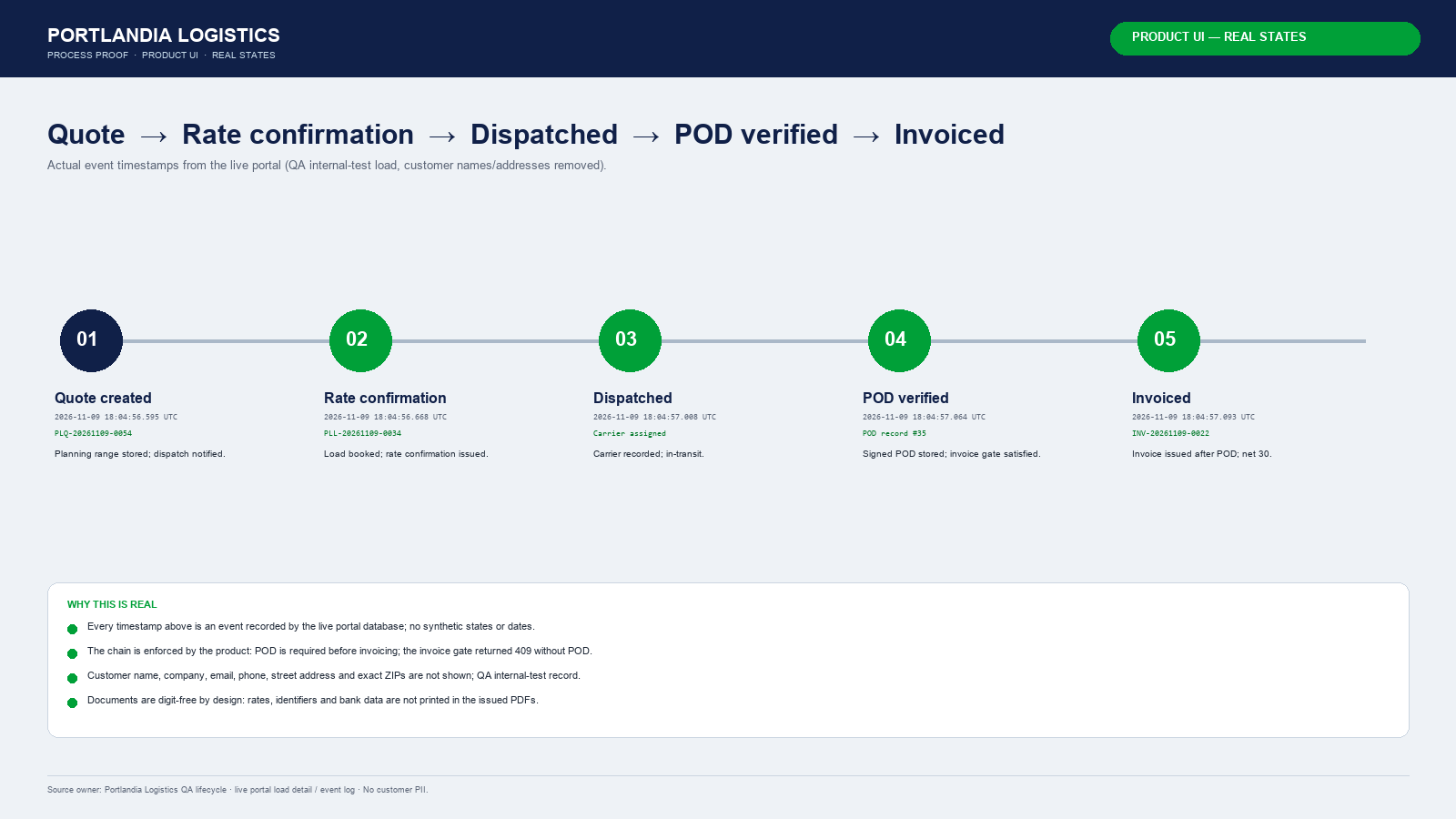
Sample document — redactedRate confirmationDocument sample · redactedSample issued by the system. No rates, names, addresses or identifiers are shown.ProvenanceSample document — redactedInvoice — first pageDocument sample · redactedIssued after POD verification. Digit-free by design: no amounts, bill-to details or bank data printed.ProvenanceSample document — redactedProof of deliveryRecord sample · redactedStored POD record with delivery timestamp and load reference. Signature, name, address and exact ZIPs redacted.ProvenanceSample screen — redactedReal lifecycleSystem screen · redactedQuote → rate confirmation → dispatched → POD verified → invoiced, using actual portal event timestamps.Provenance